
离线安装包Offline Package
下载 ZIP 后解压,通过浏览器扩展管理页加载,适合内测和快速体验。Download and unzip the package, then load it from the browser extensions page.
下载 v0.1.18Download v0.1.18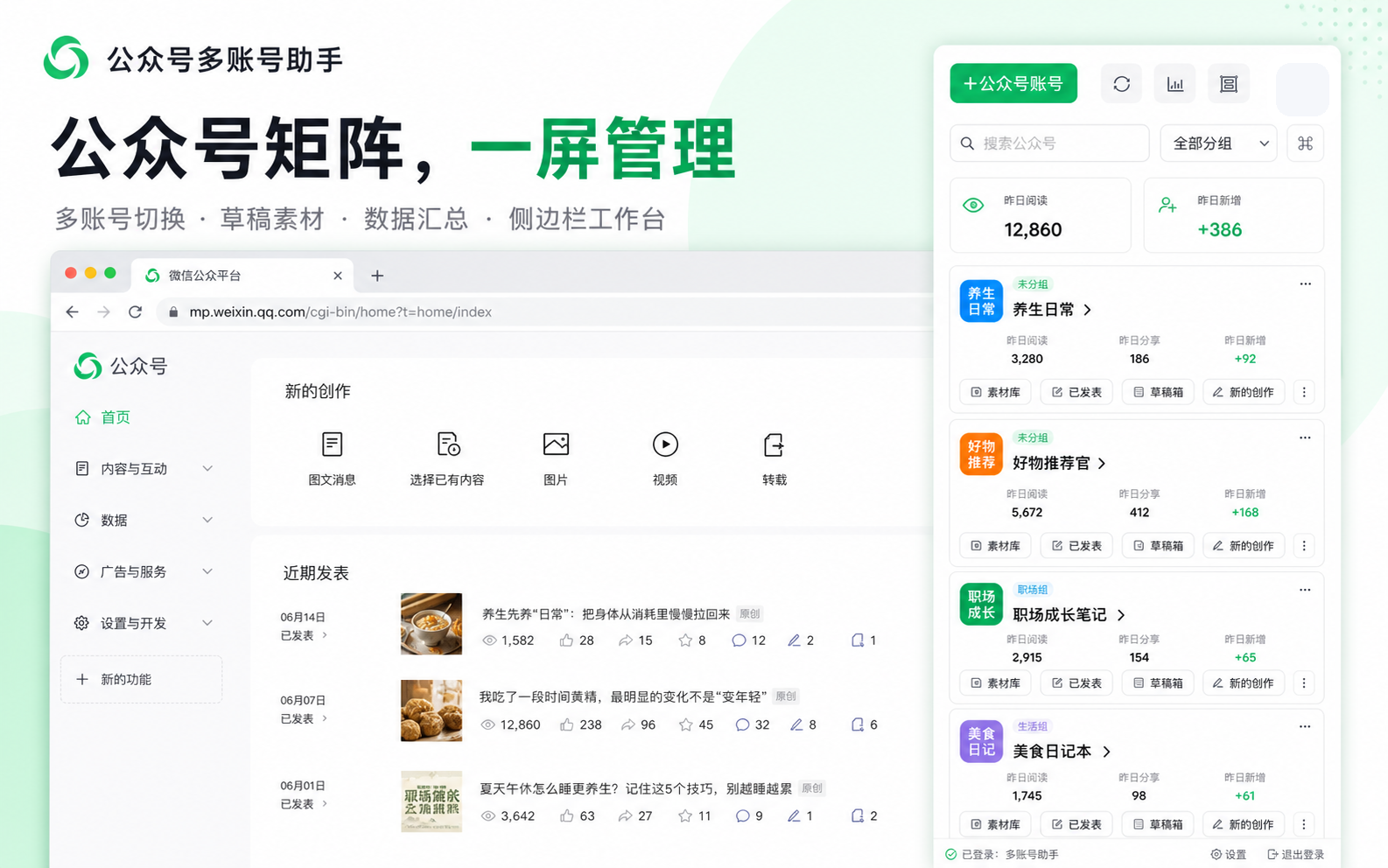
面向公众号矩阵运营者、企业新媒体和代运营团队的 Chrome/Edge 浏览器扩展。帮助你更清楚地识别账号、管理快捷入口,并完成授权码充值流程。A Chrome/Edge extension for WeChat Official Account operators, media teams, and agencies. Identify accounts clearly, manage shortcuts, and handle license code recharge.
可通过 Chrome 或 Microsoft Edge 扩展商店安装并自动更新,也可下载离线安装包。Install from the Chrome or Microsoft Edge add-on store for automatic updates, or download the offline package.
下载 ZIP 后解压,通过浏览器扩展管理页加载,适合内测和快速体验。Download and unzip the package, then load it from the browser extensions page.
下载 v0.1.18Download v0.1.18已正式上架,可一键安装,并通过商店获得后续自动更新。Now available for one-click installation and automatic updates.
前往谷歌商店安装Install from Chrome Web StoreEdge 浏览器用户可从官方扩展商店一键安装,并自动获取后续更新。Edge users can install from the official add-on store and receive automatic updates.
前往 Edge 商店安装Install from Edge Add-ons免费版可长期使用;需要管理更多账号时按月升级。The free plan is available long-term. Upgrade monthly for more accounts.
适合个人体验和少量账号。For trials and a few accounts.
适合小团队或个人矩阵号。For small teams and account groups.
立即购买Buy now适合稳定运营多个公众号。For regular multi-account operations.
立即购买Buy now适合代运营、工作室和企业团队。For agencies, studios, and enterprises.
立即购买Buy now以下为匿名化后的界面素材,公众号名称已做模糊处理,仅用于功能展示。The previews are anonymized. Account names are blurred for demonstration only.
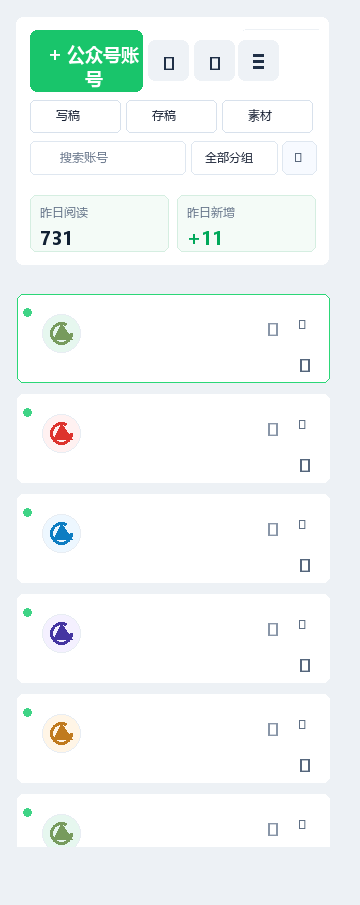
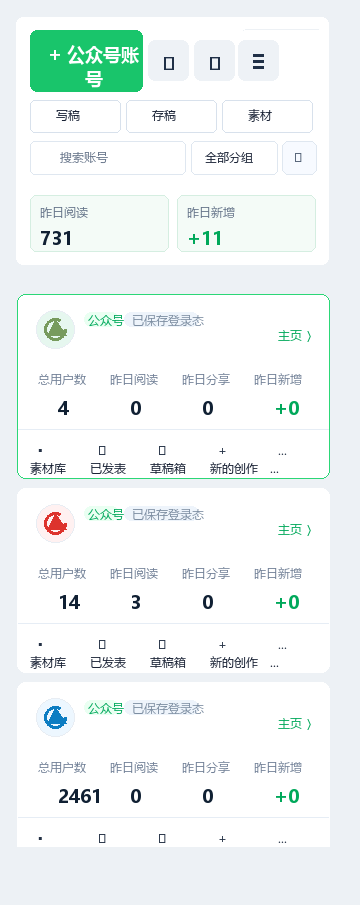
围绕多公众号运营中最常见的识别、切换和提醒问题设计。Designed for identification, switching, and reminders in multi-account operations.
给每个公众号设置名称、颜色和备注,快速确认当前后台属于哪个账号。Set names, colors, and notes for each account.
把常用后台入口集中在侧边栏,减少重复查找。Keep frequent backend links in one sidebar.
通过浏览器本地通知提醒账号状态和待办事项。Use browser notifications for account status and tasks.
谷歌应用商店可一键安装;如需使用离线包,请按以下四步操作。Install in one click from the Chrome Web Store, or follow these four steps for the offline package.
下载 ZIP 安装包,解压成普通文件夹。Download the ZIP file and unzip it.
在地址栏输入 chrome://extensions,并开启开发者模式。Go to chrome://extensions and enable Developer Mode.
点击“加载已解压的扩展程序”,选择解压后的文件夹。Click “Load unpacked” and select the folder.
访问 mp.weixin.qq.com,登录后使用插件侧边栏。Visit mp.weixin.qq.com and use the sidebar.
选择套餐并通过微信扫码支付,支付成功后自动显示授权码。Choose a plan, pay with WeChat, and receive your license automatically.
进入购买页面Buy now推荐 Chrome 或 Edge。其他 Chromium 内核浏览器通常也可以安装。Chrome and Edge are recommended. Other Chromium-based browsers usually work too.
可以。插件已正式上架,建议从上方下载区进入谷歌应用商店安装,以便自动获得后续更新。Yes. Use the Chrome Web Store button above for installation and automatic updates.
插件只在 mp.weixin.qq.com 页面运行,用于辅助识别、标签和提醒。It only runs on mp.weixin.qq.com for labels, shortcuts, and reminders.
推荐从谷歌应用商店一键安装;需要离线部署时,也可以下载 ZIP 安装包。Install from the Chrome Web Store, or download the ZIP package for offline deployment.